
Video Audio
Record voice tracks for YouTube, product and brand videos.
LA Vocal Booths
Designed for content creators
Create a dedicated space for video audio, courses and guided audio.

Applications
Video Audio • Social Content • Courses And Lessons • Guided Audio

Record voice tracks for YouTube, product and brand videos.
Create spoken audio for short-form posts and longer videos.
Record explanations, tutorials and instructional content.
Produce ASMR, meditation and other guided listening content.
Users
Video Creators • Social Media Creators • Course Creators • Guided-Audio Creators

Connect recording with your camera and editing workflow.
Keep a consistent place for regular content sessions.
Organize scripts, lesson materials and recording equipment.
Arrange the microphone and materials around your format.
Environment
Outside Noise • Room Reflections • Session Comfort

A booth helps reduce outside distractions reaching the microphone. Consider nearby activity when choosing a model for regular content sessions.
Acoustic treatment helps manage reflections inside the booth for more controlled voice-led content.
Ventilation, lighting and power support content sessions. Plan camera, microphone and recording controls around the workflow.
Setup Types
Home Creator Studio • Video Recording Setup • Course Production Setup • Dedicated Creator Studio
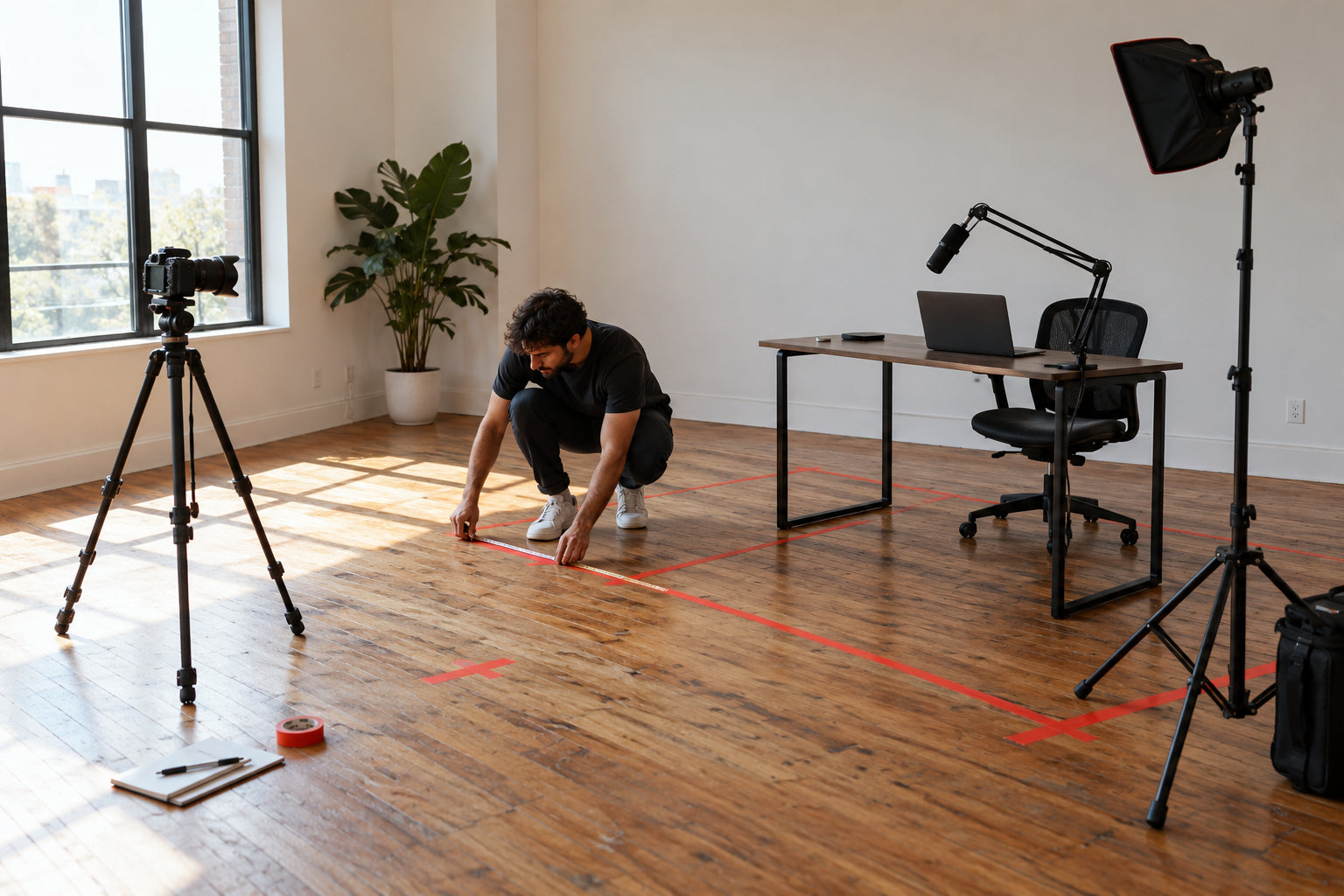
Connect the booth with your everyday editing desk.
Plan camera sightlines, lighting and microphone placement.
Keep scripts, screens and lesson materials accessible.
Arrange recording and editing areas around your routine.
All Booths
Choose your size, model, door, window, and package.
4×4 · 4×6 · 4×86×6 · 6×8 · 6×108×8 · 8×10 · 8×12
AdvancedProfessional
Flush1/2 LiteFull Lite
2×22×32×4
BasicStandardPremium
Size
4×4 · 4×6 · 4×8 · 6×6 · 6×8 · 6×10 · 8×8 · 8×10 · 8×12


Model
Advanced · Professional
Best for quieter environments, such as controlled rooms with limited outside noise.
Best for noisier environments, such as spaces affected by traffic, neighbors or equipment.
Package
Basic · Standard · Premium
A complete booth without equipment systems.
A complete booth with essential equipment systems.
A complete booth with upgraded equipment systems.
Equipment quantities vary by booth size. Acoustic treatment is not booth sound isolation. Power units do not include hardwiring or built-in wall outlets.
Booth Finder
Answer 5 questions to narrow down your booth options.
1 Person2 People3 People4 People5 People
Quiet EnvironmentNoisy Environment
No WindowSmall WindowLarge Window
No WindowSmall WindowMedium WindowLarge Window
Standard PackagePremium Package